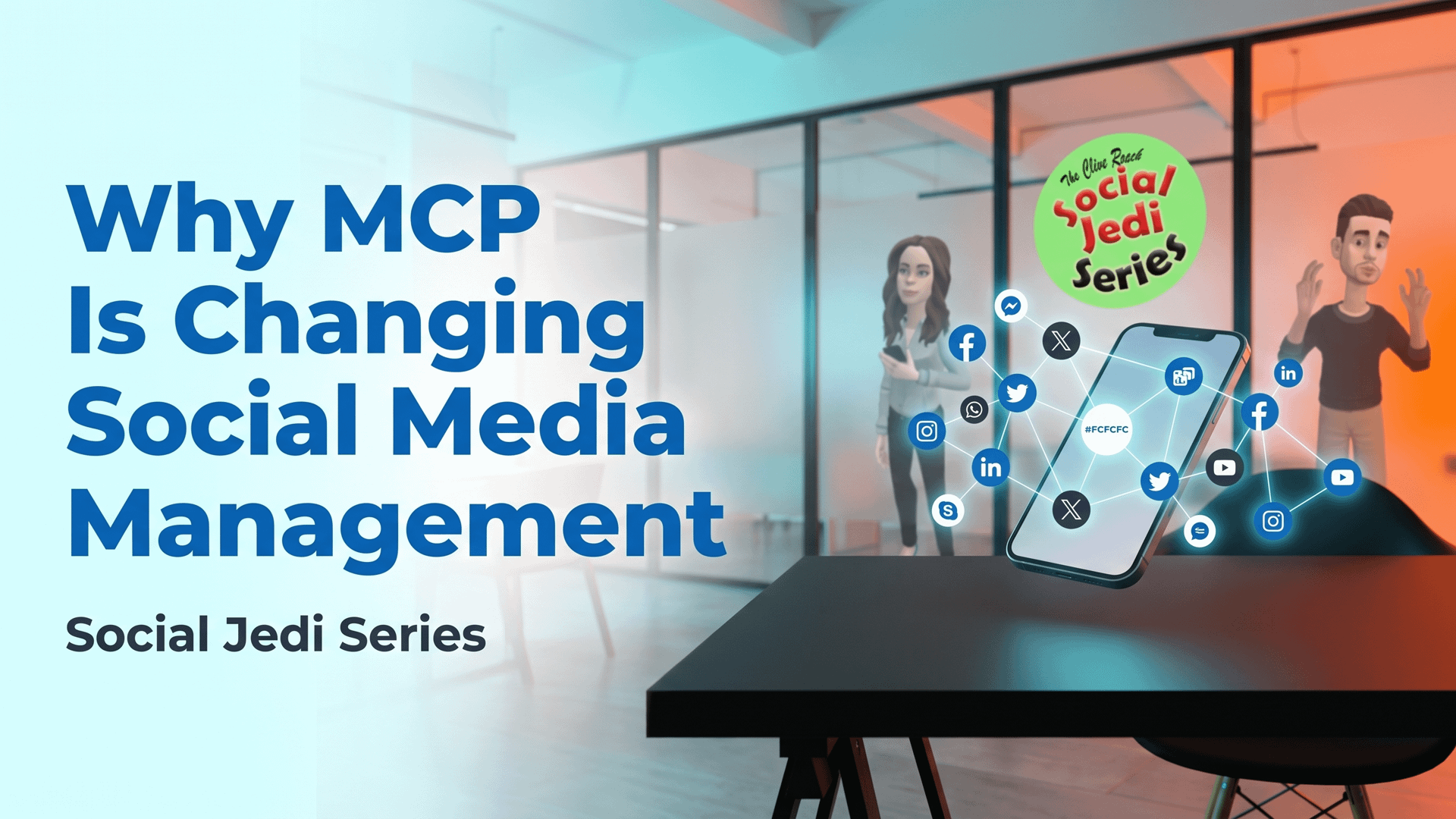
Chapter 1: What are the benefits of using MCP connectors with social media tools?
The biggest benefit is simple:
Your AI can move from giving you advice to helping you get things done.
Imagine asking:
“Look at last month’s LinkedIn performance and tell me which posts generated the most engagement.” Instead of exporting a spreadsheet and uploading it to your AI, an MCP-enabled social media tool can potentially give the AI access to the information it needs. You could then take it a step further:
“Create three LinkedIn posts based on the best-performing topics and prepare them for scheduling next week.”
This is an enabler for creating engaging content. This we listed as one of the three “must do” tasks for successful social media marketing that we listed as MUST DO tasks for social media marketers.
Depending on what the connected tool supports, the AI could help with tasks such as:
- Creating social media posts
- Preparing content for different platforms
- Scheduling posts
- Reading analytics
- Finding performance trends
- Pulling campaign information
- Managing content workflows
- Turning data into reports
- Helping with repetitive social media tasks
The important point is that MCP connects the AI to the tools rather than simply giving the AI another piece of information to read.
That can turn AI from a content generator into something much closer to a social media assistant.
Chapter 2: What is an MCP connector?
Let’s keep the Jedi explanation simple.
MCP stands for Model Context Protocol. Think of MCP as a common language that allows an AI application to communicate with external tools and services. An MCP connector acts like a bridge.
AI assistant → MCP → Social media tool
The AI makes a request. The MCP connection passes that request to the social media tool. The tool performs an available action and sends the result back. For example:
You:
“Show me our best-performing LinkedIn posts from the last 30 days.”
AI:
“I’ll check your connected social media platform.”
MCP connector:
“Here is the available LinkedIn performance data.”
AI:
“Your strongest posts were about AI, social listening and employee advocacy. Here’s what they had in common…”
That’s very different from simply asking an AI to write a LinkedIn post. The AI is now working with your actual social media tools and, potentially, your actual data. And that is where things get interesting.
Chapter 3: How do you connect MCP connectors, and how do you discover which social media tools support them?
This is the bit that can sound more complicated than it really is. First, check whether your social media management platform officially supports MCP. Look at the company’s:
- MCP documentation
- Developer documentation
- Integrations page
- AI or automation section
- Help centre
- Account settings
- API documentation
Don’t assume that because a tool has an API, it automatically has MCP support. They are not the same thing. You should also check exactly what the MCP connection can do. One platform might let an AI read analytics. Another might allow content creation and scheduling. Another might support publishing. Some may only provide certain functions on particular plans.
And this is important: MCP support does not automatically mean the AI can do everything inside the platform.
The available tools and permissions determine what can actually happen. In 2026, a growing number of social media management platforms are advertising or documenting MCP support, including examples such as Buffer, Hootsuite, Metricool, Sprout Social, Agorapulse and others. The market is changing quickly, so always check the provider’s current documentation before connecting an account. Once you’ve found a supported tool, the basic process is usually:
1. Check compatibility
Make sure your AI assistant and social media platform support the relevant MCP connection.
2. Find the official MCP instructions
Use the documentation from the software provider rather than a random third-party guide.
3. Authenticate the connection
You may need to sign in and authorise access.
4. Check permissions
Understand exactly what the connection can read or change.
5. Test it
Start with something harmless, such as asking for analytics or creating a draft.
6. Only then consider actions such as scheduling or publishing.
That last step matters. Giving an AI access to your social media accounts is not something to rush.
Chapter 4: What is next for social media tools and MCP connectors?
This is where things get really interesting. Today’s social media workflow often looks something like this:
Idea → AI → Copy → Social tool → Schedule → Analytics → Spreadsheet → AI
MCP could help turn that into something much closer to:
Idea → AI → Social tools → Data → Action
Imagine an AI assistant that understands your content calendar, checks your previous performance, looks at current campaign activity and prepares new content based on what is working.
You could potentially ask:
“Find our five best-performing posts from the last quarter. Identify the common themes, create a content plan for next month and prepare draft posts for LinkedIn and Instagram.”
That’s much closer to having an AI-powered social media operations assistant.
And as AI agents become better at planning and completing multi-step tasks, MCP could become an important piece of the infrastructure connecting those agents to the marketing tools businesses already use.
The MCP specification itself is also evolving, with recent developments focused on areas such as authorisation, long-running tasks and richer interactions between AI applications and connected tools. The future isn’t necessarily about replacing the social media manager.
It is about giving the social media manager a much more capable assistant.
Chapter 5: What are the possible disadvantages?
Of course, there is no magic Jedi power without a few risks.
Security
You are potentially giving an AI connection access to business information and social media accounts. That means security matters. Only use trusted connections and understand what permissions you are granting.
Accidental publishing
There is a big difference between:
“Create a post for me.” and “Publish this post.”
You probably want human approval somewhere in that process. Especially when dealing with corporate accounts.
Wrong decisions at scale – AI can make mistakes.
An MCP connection can potentially make those mistakes faster. If an AI misunderstands your brand voice, campaign objective or audience, you don’t want it automatically creating and publishing dozens of posts before anyone notices.
Platform limitations
MCP does not magically remove the limitations of social networks or the tools connected to them. The social media platform’s API, the social media management tool and the MCP server all determine what is possible.
Over-automation
This may be the biggest danger. Social media is supposed to be social. If you automate everything, you could end up with perfectly efficient content that nobody actually wants to engage with.
Automation should remove boring work, not remove the human from social media.
Chapter 6: Conclusion
MCP connectors could become one of the most useful developments for social media marketers working with AI. The real opportunity isn’t simply asking AI to write better captions. It’s connecting AI to the systems where your social media work actually happens. But don’t connect everything just because you can.
That means AI can potentially work with your content, data, scheduling and reporting tools rather than sitting separately from them.
- Start small.
- Choose trusted tools.
- Check permissions.
- Test the workflow.
- Keep human approval where it matters.
And remember the golden Social Jedi rule:
Use AI to make social media easier. Don’t use AI to make social media less social. The future social media workflow may not be human versus AI. It could be human + AI + connected tools.
And that is where things start getting interesting.


